

Linksys Now - How to change your WPA settings via the Linksys Now dashboard?
WPA security mode is the type of protection your WiFi uses to keep others from accessing it.
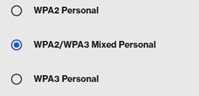
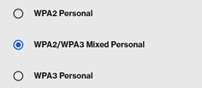
- WPA2 Personal will ensure maximum device compatibility for legacy (older) devices.
- WPA3 Personal is the more modern WiFi 7 standard.
- WPA2 / WPA3 Mixed Personal combines elements of both settings.
There are 2 ways to change your security mode on your Linksys WiFi 7 router.
-
Without splitting the frequencies. All bands will have the same security mode.
-
Splitting the frequencies. All bands can have different security modes.
-
Login to the Linksys Now web interface. Please see article: Linksys Now - How do I login to the web interface.
-
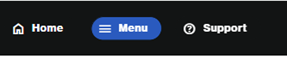
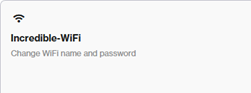
Once logged in, click on ‘Menu’ followed by ‘Incredible-WiFi’.
Option 1:
-
Disable ‘Quick Setup’. The toggle button should be grey.

-
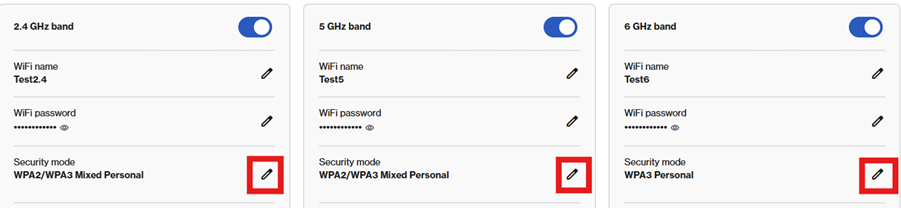
Click on the pencil icon for each band next to ‘Security Mode’. You can turn off a band if needed. Please note: The 6Ghz band is only available for 5Gbps Premium customers who have the M62.
-
Press Save at the bottom.
Option 2:
-
Leave Quick Setup enabled. The toggle button should be blue.
-
Click on the pencil icon to change the ‘Security Mode’.

-
Press Save at the bottom.

