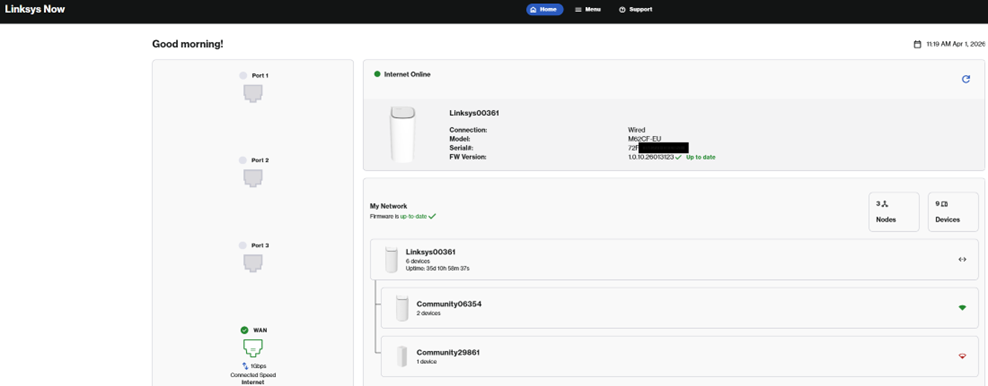

Linksys Router - How do I login to the web interface?
The Linksys Now Web Interface (browser-based) lets you change settings such as splitting the Wi-Fi frequencies, changing your security mode, changing your WiFi name or password and setting up port forwarding.
To login, simply follow the steps in our handy step-by-step guide below.
If you have a WiFi 5 or WiFi 6 router (square-shaped on top) you can follow the options directly below to manage and monitor your network settings. If you have a WiFi 7 router (droplet-shaped on top), follow the advice further down the page.
For WiFi 5 or WiFi 6 routers (square-shaped on top)
-
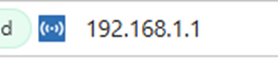
Launch a web browser on desktop/laptop and enter 192.168.1.1 in the Address bar.
-
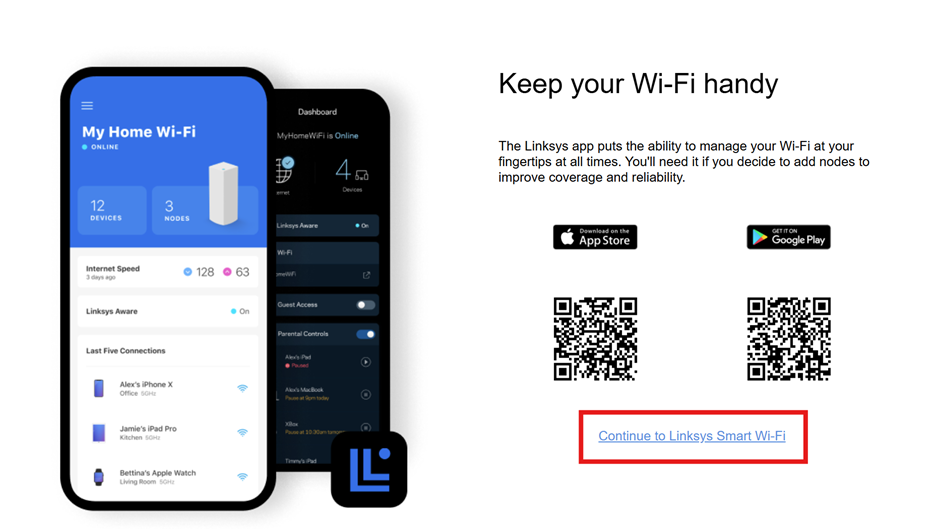
Select the "Continue to Linksys Smart Wi-Fi" link or click on the 2 mobile phones on the left.
-
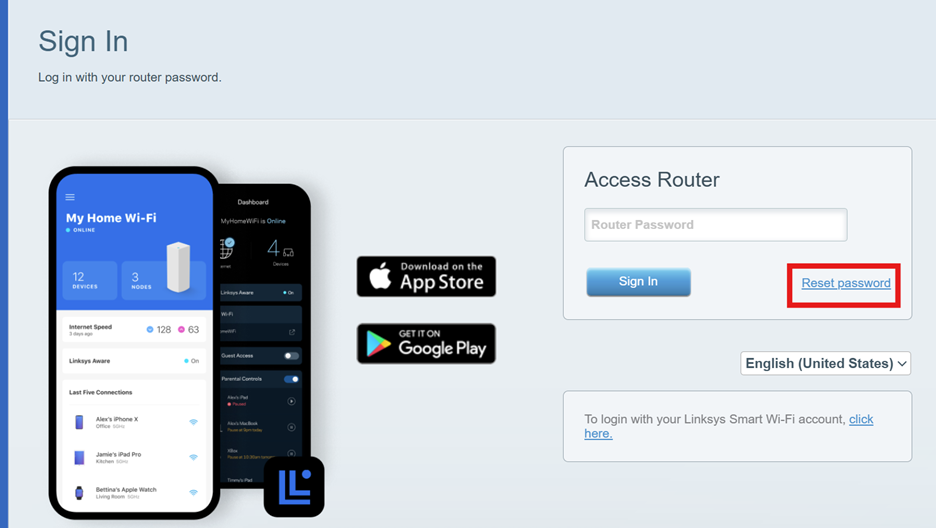
If this is your first time logging into Linksys, please press reset password, otherwise enter your admin password in the “Router Password” field.
-
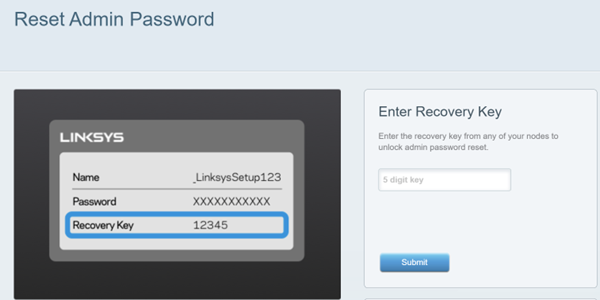
It will then prompt you to enter a recovery key. This is located on the base of the Linksys router.
-
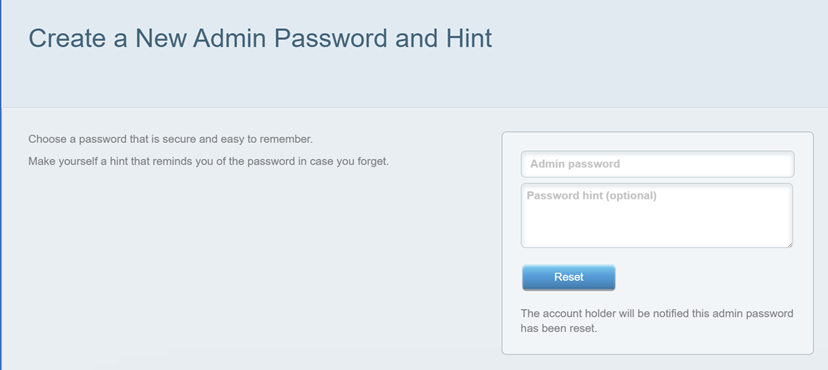
Once you have entered the recovery key, it will ask you to create a new admin password.
Password requirements:
-
At least 10 characters
-
Upper and lowercase letters
-
At least 1 number
-
At least 1 special character
-
Cannot have the same character twice in a row
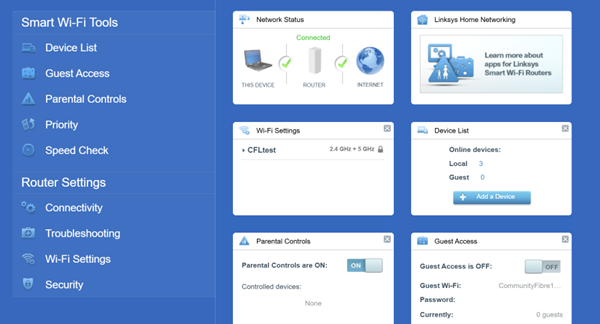
- Once logged in, you will be able to see the dashboard. Your menu options are listed on the left side.
For WiFi 7 routers (droplet-shaped on top)
-
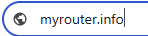
Launch a web browser on desktop/laptop and enter 'myrouter.info’ in the Address
-
Enter the router password. This is written on the base of the router.
If this fails, press ‘Forgot Password’, enter the recovery key and create a new password.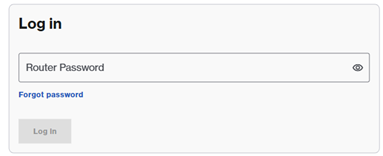
-
Once logged in, you will be able to see the dashboard.